
TEMPLATE
11 MIN READ
Six months into an SEO campaign, someone will ask the question every agency and business owner eventually faces: “Is this actually working?”
If nobody recorded where the website stood on day one, that question becomes hard to answer honestly. Traffic may be up, but was it already rising? Rankings may look better, but which ones mattered at the start? Leads may be flat, but was conversion tracking even working before?
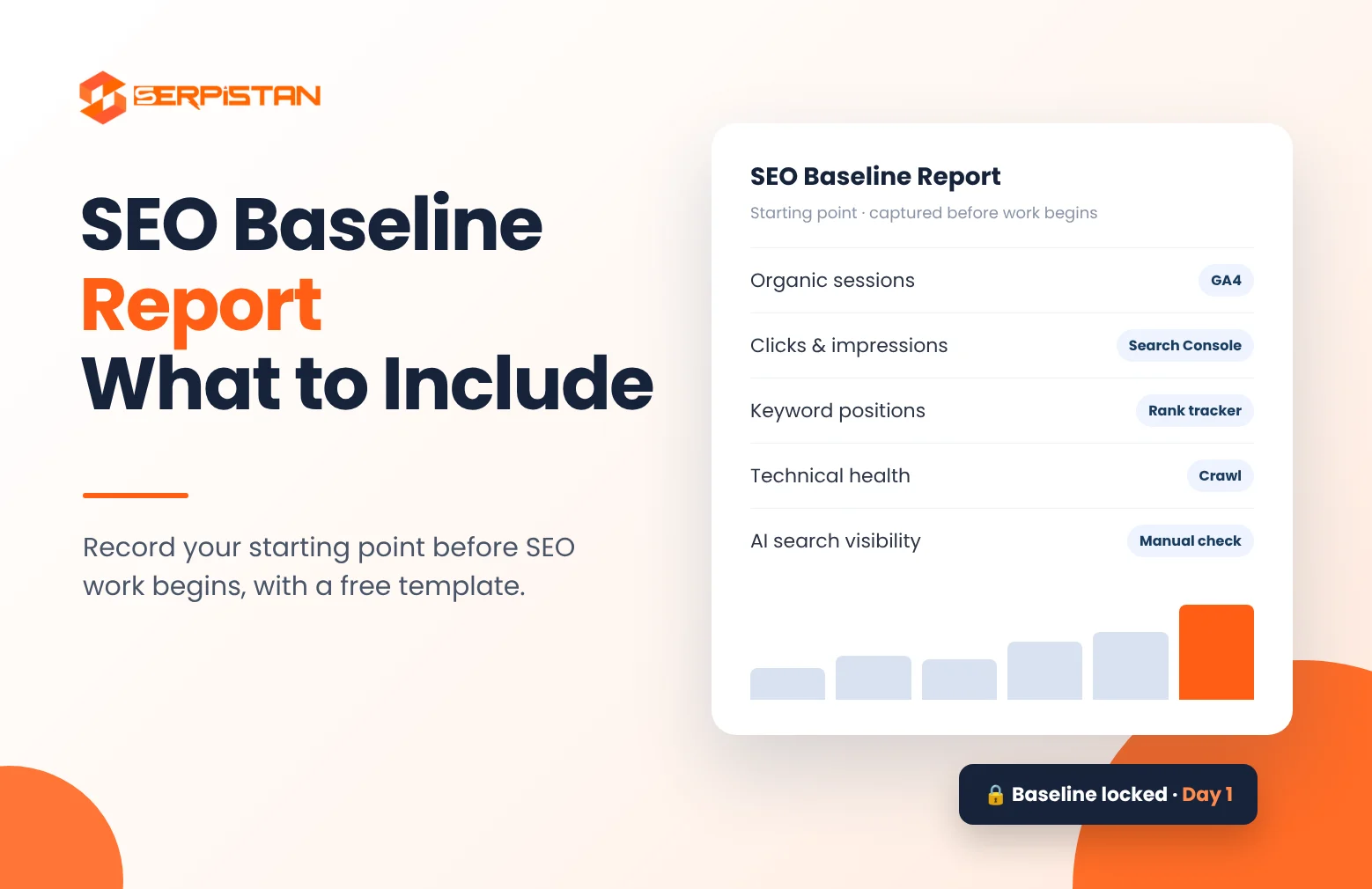
An SEO baseline report solves this. It is a dated snapshot of a website’s search performance, technical health, and business results, captured before any SEO work begins. Every future report is then compared against it.
This guide explains what an SEO baseline report is, what to include, how to build one step by step, and how to avoid the mistakes that make baselines useless later. You will also find a template you can copy for your own site or your clients.
What Is an SEO Baseline Report?
An SEO baseline report is the first report in an SEO engagement. It documents how a website performs in search before any optimization starts, using the same metrics you plan to track for the rest of the campaign.
It is different from the two documents it is most often confused with:
| Document | Main question it answers | When it is created |
|---|---|---|
| SEO baseline report | Where are we starting from? | Once, before work begins |
| SEO audit | What is wrong, and what should we fix? | At the start, then periodically |
| Monthly SEO report | What changed, and what did we do? | Every month or quarter |
An SEO audit is a list of problems and recommendations. A baseline is a record of numbers. The two are often delivered together, but they do different jobs: the audit tells you what to fix, while the baseline lets you prove later that fixing it made a difference.
Why an SEO Baseline Matters
- It makes progress measurable. “Organic leads went from X to Y” is far more convincing than “traffic looks better.”
- It sets realistic goals. You cannot set a sensible target for a site until you know where it currently stands and how it compares with competitors.
- It separates SEO results from things SEO did not cause. Seasonality, ad campaigns, a site redesign, or a market change can all move traffic. A baseline with year-over-year data makes these easier to spot.
- It catches tracking problems early. Many baselines reveal that conversions were never tracked properly. It is much better to find that on day one than in month six.
- It protects the relationship. When the client and the agency agree on the starting point in writing, later conversations are about results, not memory.
This last point is why a baseline is one of the first things to ask for when you are trying to work out whether your SEO agency is actually working.
When to Create an SEO Baseline Report
Create a new baseline whenever you need a fixed “before” picture:
- Before a new SEO campaign or retainer starts
- When you switch SEO agencies or bring SEO in-house
- Before a website redesign, platform change, or domain migration
- Before a major content, local SEO, or link-building push
- When a business adds a new service line, location, or market
What to Include in an SEO Baseline Report
A useful baseline covers eleven areas. Not every business needs all of them in detail, but each one should at least be checked.
1. Business Goals and Conversion Definitions
Start with what success means for the business, not with SEO metrics. Write down the primary goal (for example, quote requests, booked calls, online sales, or store visits), what counts as a conversion, and which services, products, or locations matter most. Every other number in the report should connect back to this section.
2. Tracking and Data Health
Before recording any numbers, confirm the numbers can be trusted:
- Is Google Analytics 4 installed on every page, and are key events (conversions) set up and firing?
- Is Google Search Console verified, and is the XML sitemap submitted?
- Are form submissions, phone calls, and WhatsApp or chat clicks tracked?
- Are internal visits filtered, and is there any known period of missing or broken data?
Record every gap you find. A note such as “conversion tracking was not set up before 1 November” will save a lot of confusion later.
3. Organic Traffic and Conversions
From GA4, record organic sessions, engaged sessions, and organic conversions for the last 3 months, the last 12 months, and the same period a year earlier where data exists. The year-over-year view matters for seasonal businesses, because a quiet month is not necessarily a bad month.
4. Search Console Visibility
From the Search Console Performance report, record clicks, impressions, average click-through rate, and average position for the last 3 and 12 months. Search Console only keeps 16 months of performance data, so export it now; you will not be able to go back later.
Split the data into branded and non-branded queries. Branded searches (people already looking for the business) behave very differently from non-branded searches (people looking for a service). Use a custom regex query filter that matches the brand name and its common misspellings, for example:
yourbrand|your brand|yourbrnd → filter matching regex for branded, not matching regex for non-branded.Most SEO growth should show up in non-branded clicks, so this split makes the baseline far more useful.
5. Keyword Positions
Choose a fixed set of tracked keywords, grouped by priority and by service or location, and record their current positions and the URL that ranks for each. Note the search location and device, because rankings vary by both. Keep the list stable; adding and removing keywords every month makes comparisons meaningless.
6. Page-Level Baseline
List the top organic landing pages and, separately, the pages that matter most to revenue: core service pages, product categories, and location pages. For each one, record organic clicks, impressions, average position, and conversions. Page-level data often shows that a site’s best-ranking pages are not the ones that bring in business.
7. Technical SEO Health
Capture a snapshot of the site’s technical condition:
- Search Console Pages report: number of indexed and not indexed pages, with the reasons listed
- Core Web Vitals status for mobile and desktop (LCP, INP, and CLS)
- Crawl errors, broken internal links, redirect chains, and duplicate titles from a site crawl
- Sitemap status, robots.txt, HTTPS, and mobile usability
8. Backlinks and Authority
Record the number of referring domains, notable links, and any authority score from the tool you use. Always note which tool the numbers came from: third-party link metrics are estimates and differ between tools, so only compare like with like.
9. Local Search Presence
For businesses that serve a local area, record the Google Business Profile’s primary category, number of reviews, average rating, and profile interactions (calls, website clicks, direction requests). Note map pack visibility for priority searches, and check the consistency of the business name, address, and phone number across major business listings. Our guide to what local SEO is explains why these signals matter.
10. AI Search Visibility
More searches now end with an AI-generated answer, so a modern baseline should record the starting point here too. Google includes AI Overviews and AI Mode in the Search Console Performance report’s Web data, but it does not show them as a separate line, so add a simple manual check:
- Pick 10 to 20 questions your customers ask.
- Run them in Google (noting whether an AI Overview appears), ChatGPT, Gemini, Perplexity, and Copilot.
- Record whether the brand is mentioned, whether the website is cited as a source, and which competitors appear instead.
- Save screenshots with the date, because AI answers change frequently.
For what tends to earn those mentions, see what makes content rank in AI answers.
11. Competitor Snapshot
Name three to five real search competitors (the sites that actually rank for your priority keywords, not only business rivals) and record their visibility for the same keyword set. Competitors give context: holding steady while competitors fall is a very different story from holding steady while they grow.
SEO Baseline Report Template
Copy this table into a spreadsheet or document. Fill in the baseline column once, then add a new column for each reporting period.
| Section | Metric | Source | Baseline (date) |
|---|---|---|---|
| Goals | Primary conversion and target services | Kick-off call | |
| Tracking | Key events working (yes/no) and known data gaps | GA4, tag check | |
| Traffic | Organic sessions and conversions (3 and 12 months, year over year) | GA4 | |
| Visibility | Clicks, impressions, CTR, average position (branded and non-branded) | Search Console | |
| Keywords | Positions and ranking URL for the tracked keyword set | Rank tracker | |
| Pages | Clicks and conversions for top and money pages | Search Console, GA4 | |
| Technical | Indexed vs not indexed pages, Core Web Vitals, crawl errors | Search Console, site crawler | |
| Links | Referring domains and authority score (note the tool) | Backlink tool | |
| Local | Reviews, rating, profile interactions, map pack positions | Google Business Profile | |
| AI search | Brand mentioned or cited for tracked questions (with screenshots) | Manual checks | |
| Competitors | Visibility of 3 to 5 search competitors for the same keywords | Rank tracker |
How to Create an SEO Baseline Report, Step by Step
- Agree on goals. Confirm the primary conversion, priority services or products, and target locations with the business owner.
- Get access. Request Search Console, GA4, Google Business Profile, and website access before the start date.
- Audit the tracking. Test every form, call button, and checkout, and fix what is broken. Note anything that cannot be fixed yet.
- Freeze the keyword set. Agree on the tracked keywords and locations, then leave them unchanged for comparison.
- Export the data. Pull the numbers for each section of the template and save the raw exports, not just the summary.
- Add context. Note recent site changes, seasonality, ad campaigns, and any known data gaps.
- Date it, share it, and lock it. Send the report to everyone involved, store a read-only copy, and do not edit it later.
How to Use the Baseline After Launch
A baseline is only valuable if it is used. Compare each monthly report against the baseline as well as the previous month, because month-to-month changes are noisy. Review the full picture every quarter, and use year-over-year comparisons for seasonal businesses. Keep in mind that SEO usually takes months to show its full effect, as we explain in how long SEO takes, so judge trends rather than single data points.
Common SEO Baseline Mistakes
- Capturing it after work has started. Even small changes shift the starting point.
- Recording rankings only. Rankings without traffic, conversions, and business context tell only part of the story.
- Ignoring broken tracking. If conversions were not tracked, say so clearly instead of recording zero.
- Mixing branded and non-branded data. Brand searches can hide or exaggerate real SEO growth.
- Changing the keyword list every month. A moving target cannot be measured.
- Not saving raw exports. Tools change, and Search Console deletes data older than 16 months.
- Editing the baseline later. Once it is shared, it should stay exactly as it was.
SEO Baseline Reports for Agencies
For agencies, the baseline is also a sales and retention tool. It shows clients that the work starts from evidence, and it makes every later report easier to explain. At SERPISTAN, we prepare baseline reports as part of our white label SEO services, delivered under the partner agency’s brand so the agency can present it to its own client.
Frequently Asked Questions
What is an SEO baseline report?
An SEO baseline report is a dated snapshot of a website’s search performance, technical health, and business results, captured before SEO work begins. Every later SEO report is compared against it to show what changed.
What should an SEO baseline report include?
It should include business goals and conversion definitions, tracking status, organic traffic and conversions, Search Console clicks and impressions (branded and non-branded), keyword positions, top and money pages, technical health, backlinks, local search presence, AI search visibility, and a competitor snapshot.
What is the difference between an SEO audit and an SEO baseline?
An SEO audit finds problems and recommends fixes. An SEO baseline records the numbers as they are, so you can measure the effect of those fixes later. They are often delivered together but serve different purposes.
When should you create an SEO baseline report?
Create one before a new SEO campaign starts, when switching agencies, before a website redesign or migration, and before any major content or link-building push. It must be captured before changes go live.
How often should you compare results against the baseline?
Compare monthly reports against the baseline as well as the previous month, review the full picture quarterly, and use year-over-year comparisons for seasonal businesses.

2 comments